1.How to create contact list ?
You can create contact lists in Ticketgateway like Email id, Phone number, Name etc. it's a very simple to send event invitations across all of your events also you can use it as online contact storage. You can import up to 2,000 contacts at a time, and send up to 2,000 email invitations a day. To create a new contact list, click on my contact, then select "create new contact list." You can contacts from .CSV files.

2.Steps to create contact list
- Create new contact list
- Give name to the list and upload your contact file in .CSV format which include email, phone number, name and any other info if required and save it.
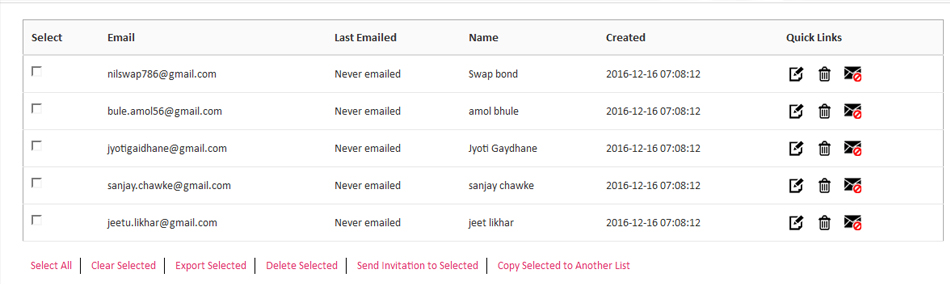
- After uploading contact list you can use following actions in quick links.like view edit, copy and delet all contact in the list.
- View contact can give you full details of all field which have added in .csv file
- You can now export, delete, copy and also send invitation to all the contact person about your event updates.