Ticketgateway offers unique way to sell tickets right from your personal website or blog by using one of our promotional widgets. It's a great way to drive ticket sales, from your event's Manage page, go to "Widgets" and select one of our promotional widgets to get started.
1.Steps to Add Event Add ons
- Login to your account.
- Go to "My Store".
- Select the event that you want to promote.
- Go to "Manage" page.
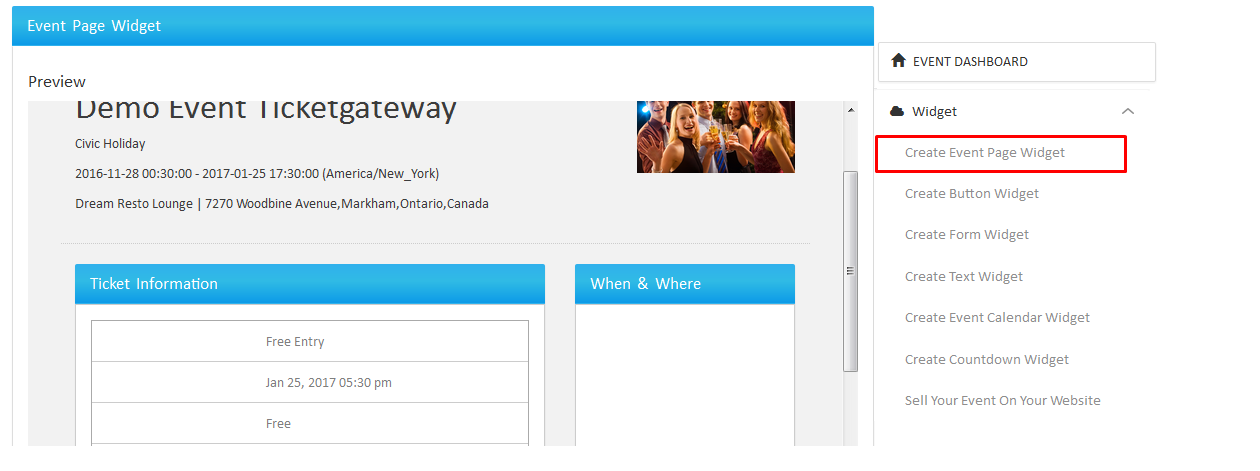
- Go to "Widget" (located in the right sidebar).
- Here you can create widget for:
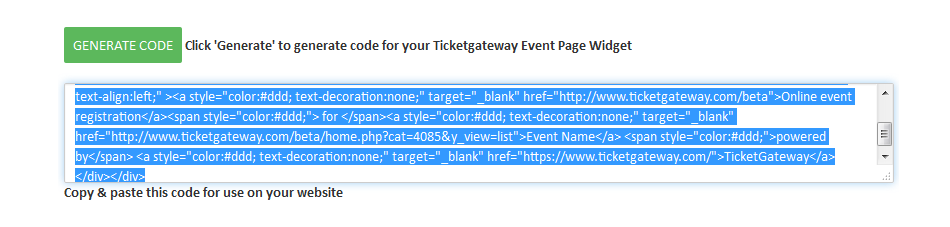
- Select "Generate Code" for the specific widget.
- Copy and Paste the code for use on your website.
1. Event page
2. Event Ticket form
3. Event Ticket button
4. Event Texts
5. Event Calendar
6. Countdown timers
2.Event widget Code
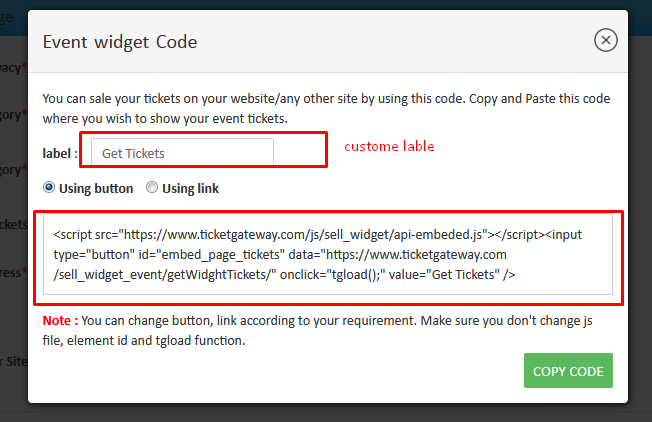
You can get this widget while creating event. On the third section ( Create an Event Webpage ). This widget allow you to make purchase on your website in Ticketgateway frame.
Follow the steps below :
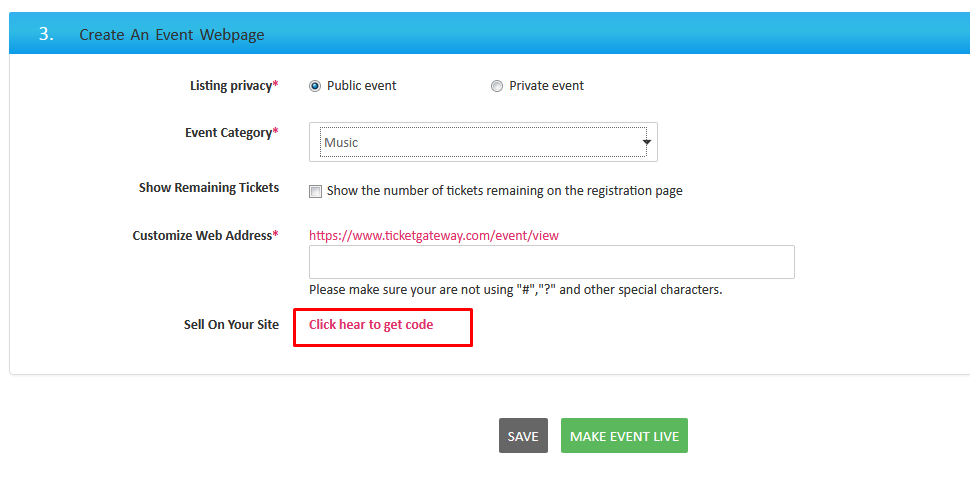
- Click on the get code link. The pop up will appear showing widget code. Simply copy the code and paste on your website
- Once you set up the code, button will display on the page.
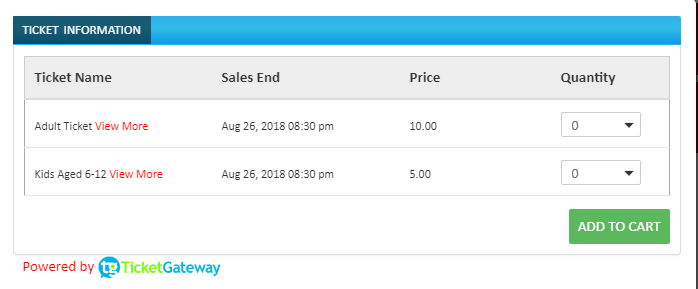
- When you click on button, the Ticketgatetway widget will open in frame with Ticket information and it will allow to checkout from the same window.